Google Photos, but mine
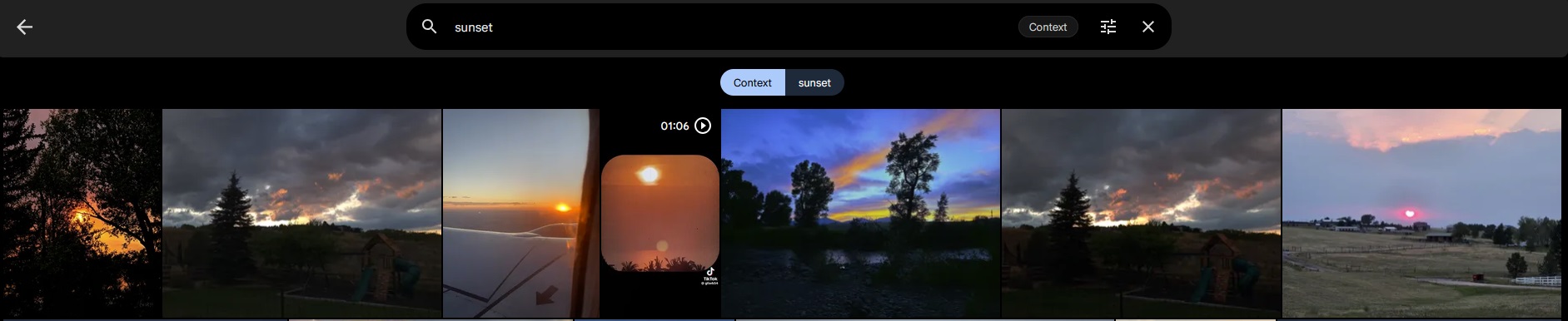
Immich holds my photo library and does the things you'd expect from a phone gallery — face grouping, and search where you can type "dog on a beach" and get results without anything ever having been tagged. That search runs a machine learning model over every photo to build an index.
On CPU that indexing is painfully slow for a large library, so I moved it onto the same Tesla P4 the media server uses.
GPU passthrough alone does nothing
This is the part that wasted my time. There are two separate settings and you need both:
- Pass the GPU through to the container. Obvious, and the one everyone does first.
- Switch the machine learning container to the CUDA image. Less obvious. The default image doesn't ship CUDA libraries at all.
If you only do the first one, everything looks correct — the GPU is visible inside the container, the setting says CUDA — and it still runs on CPU, because the model has no CUDA runtime to load and quietly falls back. Nothing warns you. The only way I caught it was watching GPU utilisation stay at zero during a re-index.
-cuda. If it doesn't, the rest of the config is decoration.Two services, one GPU, no conflict
Immich uses the general purpose cores. Jellyfin uses the dedicated video encode and decode blocks. They're different silicon, so a transcode and a photo re-index can run at the same time without slowing each other down.
The only shared resource is memory, and neither is heavy — the photo model sits around 560 MB and a transcode around 800 MB, on an 8 GB card. Plenty of headroom.